Table of Contents
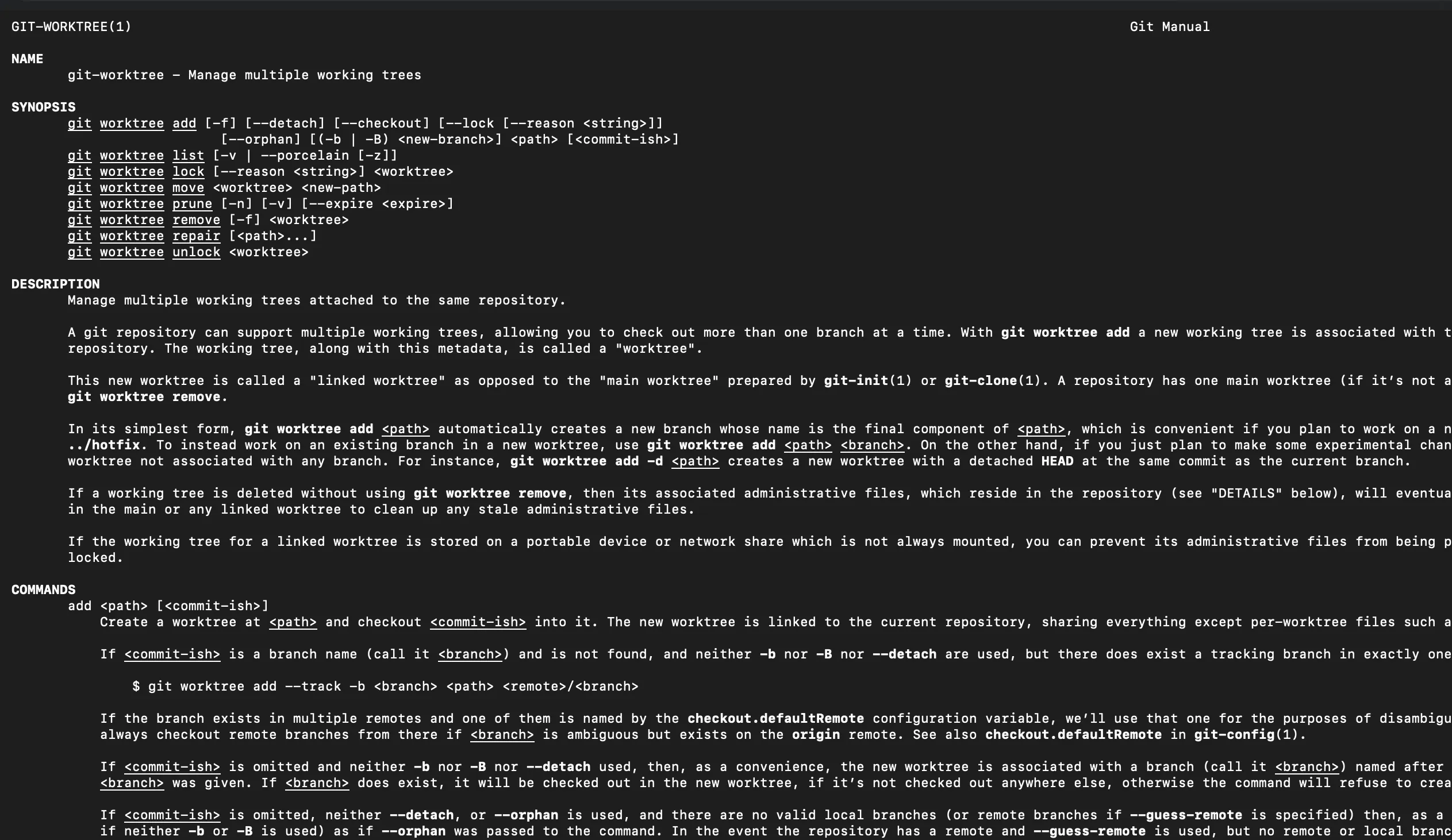
git worktree is a Git feature that lets you check out multiple branches at the same time, each in its own folder, without making multiple full clones.
If you’ve ever been mid-change and needed to quickly fix something on another branch (or you’re juggling a post draft + site tweaks), worktrees are a clean way to keep momentum without stashing or context-switching your entire working directory.
The idea (in one paragraph)Link to heading
A normal repo has one working directory attached to your .git. With worktrees, you keep the same underlying repo data, but Git gives you extra working directories—each with its own checked-out branch/commit and its own index—while sharing the same object database.
When worktrees shineLink to heading
- Writing a blog post on a branch while keeping
mainready to deploy. - Working on two features in parallel without constantly switching branches.
- Running side-by-side comparisons (two builds, two configs, two versions).
- Reviewing a PR locally while still coding elsewhere.
The prosLink to heading
1) Parallel branches without stash gymnasticsLink to heading
You can have main open in one folder and a post branch open in another. No “stash, checkout, pop, resolve conflicts, repeat.”
2) Faster and smaller than multiple clonesLink to heading
Worktrees share the object database, so you typically avoid the cost of re-downloading history for each “copy” of the repo.
3) Cleaner mental model for focused workLink to heading
Each folder can represent one “thing” you’re doing. It’s a simple way to keep your working directory honest.
The cons (and what to watch for)Link to heading
1) More folders = more confusionLink to heading
You now have multiple directories that look like “the repo.” It’s easy to edit in the wrong one, run scripts in the wrong one, or wonder why changes “didn’t apply.”
2) Disk usage can still growLink to heading
While Git objects are shared, your dependencies and build artifacts often aren’t.
node_modules/(orpnpm/npmcaches) might exist per worktree.- Framework caches can balloon quietly.
If your workflow is dependency-heavy, consider a strategy that avoids reinstalling dependencies per worktree (or accept the tradeoff and prune aggressively).
3) Some tooling assumes one working directoryLink to heading
Editors, language servers, file watchers, and dev servers can get weird when you run multiple instances pointing at the same shared repo metadata. Usually it’s fine—until it isn’t.
4) There are a few “Git rules” you’ll hit immediatelyLink to heading
- A branch can only be checked out in one worktree at a time.
- You can’t delete a branch that’s checked out in any worktree.
- Deleting/moving the folder manually can leave stale worktree references.
Gotchas and how to avoid themLink to heading
Don’t delete worktree folders by handLink to heading
Use Git to remove worktrees, then prune stale entries:
git worktree remove <path>git worktree pruneKnow what’s shared vs per-worktreeLink to heading
- Shared: the Git object database (history, blobs, etc.)
- Per-worktree: the working directory and index (staged changes)
That’s why worktrees feel “separate,” but also why they can still trip each other up if you treat them like fully independent clones.
Submodules and setup steps repeatLink to heading
If your repo uses submodules or expects one-time setup, you may need to run those steps per worktree.
My favorite pattern: one worktree per “thread of work”Link to heading
Here’s a simple setup that keeps main clean while you write:
# from your main checkoutgit fetchgit worktree add ../site-post-git-worktree -b post/git-worktree-pros-consNow you have:
./→ your normal checkout (keep it onmain)../site-post-git-worktree→ the post branch checkout
When you’re done:
git worktree remove ../site-post-git-worktreegit branch -d post/git-worktree-pros-consA handy helper: git-worktree-runnerLink to heading
If you like the worktree workflow but want less manual repetition, check out git-worktree-runner. It’s a small helper for running commands across your worktrees (useful when you want to update deps, run builds, or verify things in multiple branches at once).
The quick decision ruleLink to heading
Use worktrees when you want parallel focus (two branches at once) and you’re okay managing multiple folders. Skip them if your tooling or dependency setup gets messy with duplicate installs.
If you haven’t tried them before, use one for something small (like a blog post) and see how it feels in your day-to-day flow.